
Product
100G to 25G QSFP28 to SFP28 Breakout Active Optical Cable 1–100m
100G QSFP28 TO 4XSFP28 AOC- Model reference
- Q28-DAC-BO-X
- Data rate
- 100G ~25G
- Wavelength
- 850NM
- Reach
- 1M~100M
- Form factor
- QSFP28 - SFP28
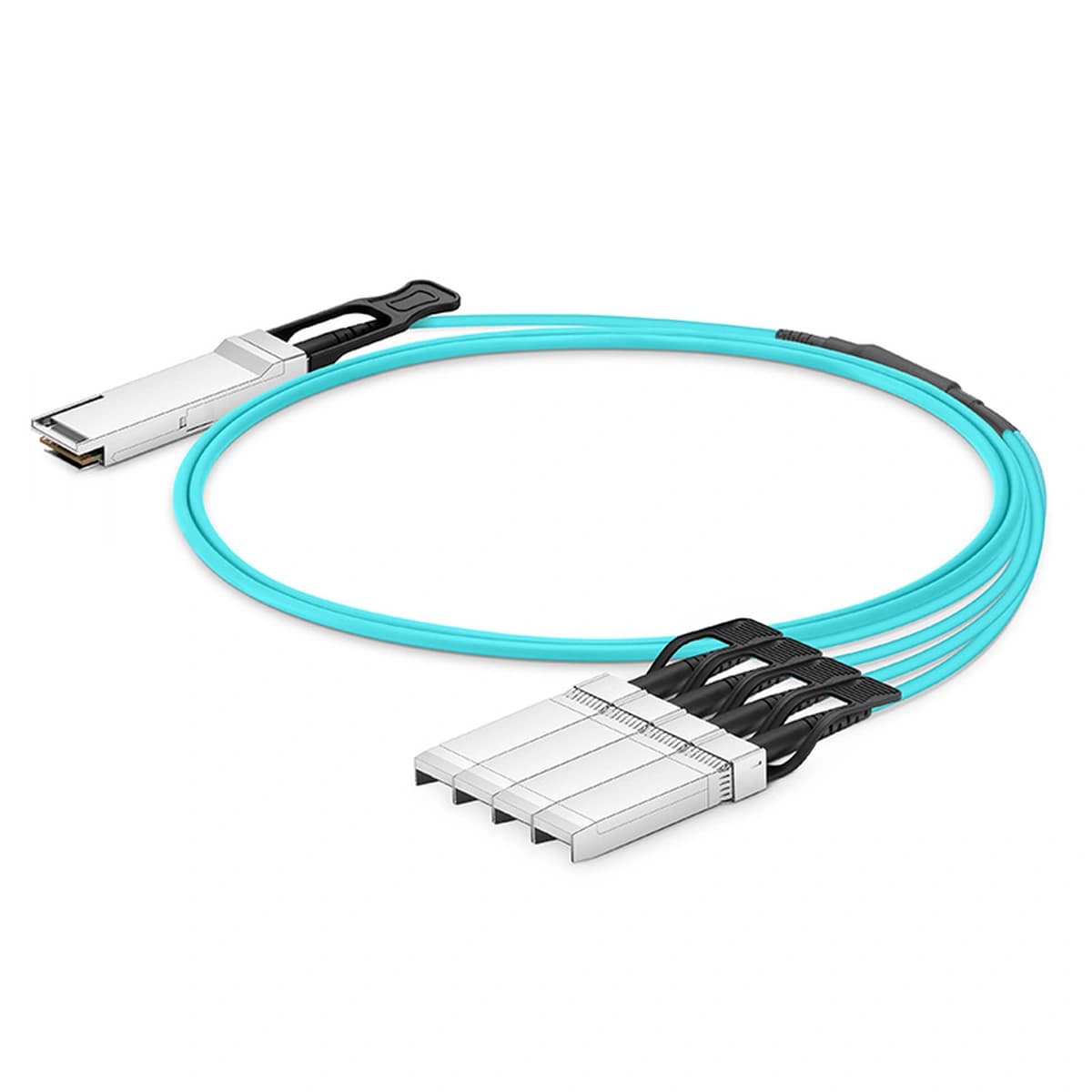
Key specifications
Original part-number references
These references compare optical specifications. Confirm the host device, firmware and coding profile before deployment.
| Brand | Original part number | Model reference | Optical specification reference | Next step |
|---|---|---|---|---|
| JUNIPER | JNP-100G-AOCBO-1M | Q28-DAC-BO-X | 100G QSFP28 to 4 x 25G SFP28 breakout active optical cable, 1 m. Juniper Hardware Compatibility Tool: JNP-100G-AOCBO-1MReviewed 2026-08-17 | Specification matchCheck host compatibility |
| JUNIPER | JNP-100G-AOCBO-3M | Q28-DAC-BO-X | 100G QSFP28 to 4 x 25G SFP28 breakout active optical cable, 3 m. Juniper Hardware Compatibility Tool: JNP-100G-AOCBO-3MReviewed 2026-08-17 | Specification matchCheck host compatibility |
| JUNIPER | JNP-100G-AOCBO-5M | Q28-DAC-BO-X | 100G QSFP28 to 4 x 25G SFP28 breakout active optical cable, 5 m. Juniper Hardware Compatibility Tool: JNP-100G-AOCBO-5MReviewed 2026-08-17 | Specification matchCheck host compatibility |
| JUNIPER | JNP-100G-AOCBO-7M | Q28-DAC-BO-X | 100G QSFP28 to 4 x 25G SFP28 breakout active optical cable, 7 m. Juniper Hardware Compatibility Tool: JNP-100G-AOCBO-7MReviewed 2026-08-17 | Specification matchCheck host compatibility |
| JUNIPER | JNP-100G-AOCBO-10M | Q28-DAC-BO-X | 100G QSFP28 to 4 x 25G SFP28 breakout active optical cable, 10 m. Juniper Hardware Compatibility Tool: JNP-100G-AOCBO-10MReviewed 2026-08-17 | Specification matchCheck host compatibility |
| JUNIPER | JNP-100G-AOCBO-15M | Q28-DAC-BO-X | 100G QSFP28 to 4 x 25G SFP28 breakout active optical cable, 15 m. Juniper Hardware Compatibility Tool: JNP-100G-AOCBO-15MReviewed 2026-08-17 | Specification matchCheck host compatibility |
Compatibility matching
Compatible with a wide range of major network brands.
Send the host device brand, model and link requirements so we can match an appropriate option.Applications
Review where this product fits the link design.
Confirm the host port, fibre or cable path, distance and operating environment before selecting the final variant.
- Endpoint fitHost device, port role and remote-end interface
- Link fitRate, reach, wavelength, fibre and connector
- Project fitEnvironment, quantity and document requirements

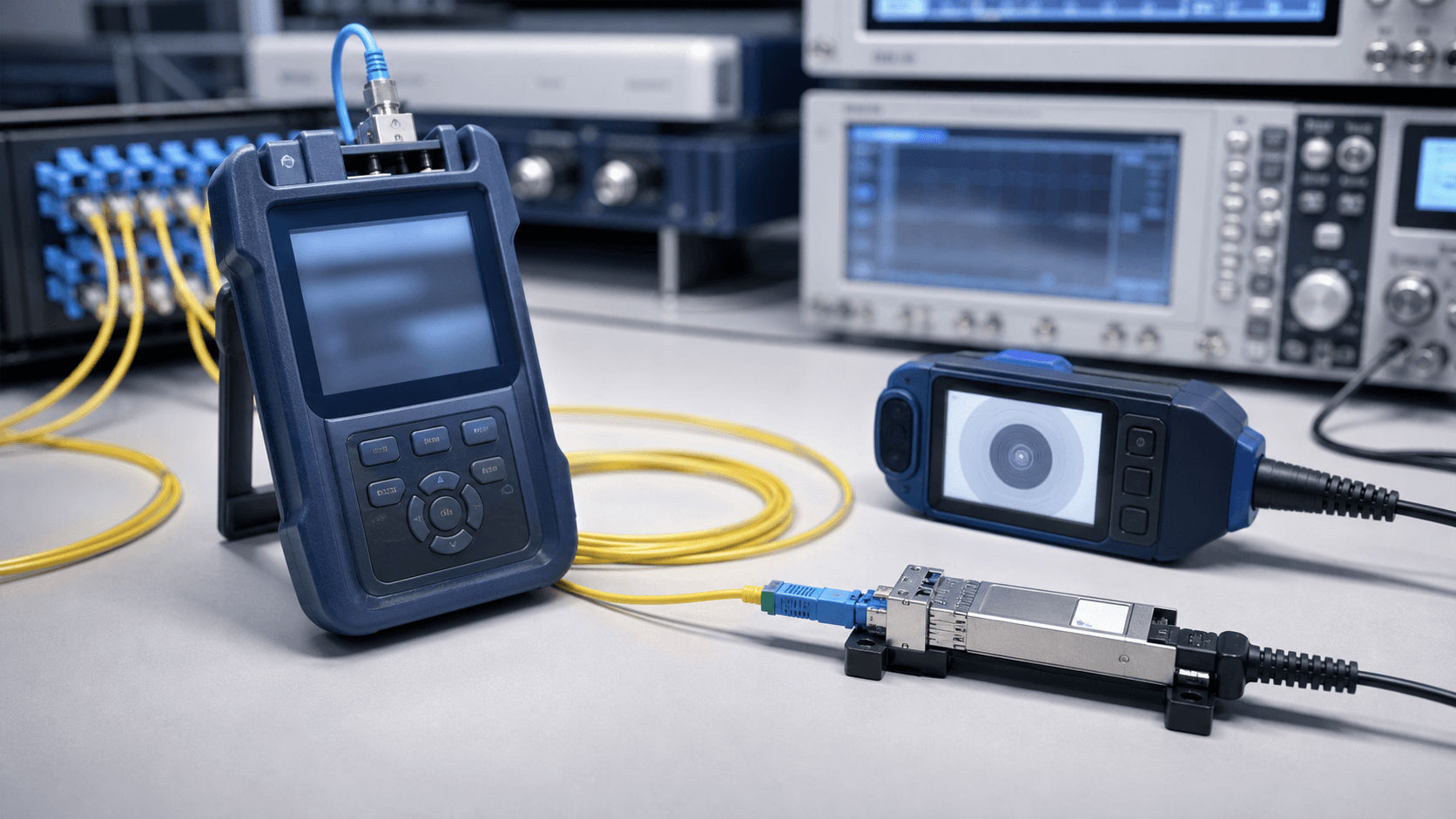
Testing evidence
Request evidence against the exact product scope.
Available evidence depends on the model and agreed review scope. Ask for the checks needed by engineering or procurement before approving a sample or rollout.
- Product identityModel, label, connector and wavelength details
- Host contextCoding or recognition evidence where applicable
- Output evidenceOptical, diagnostic or link information where available
Product datasheets
Review the document for the exact model.
Review the document for the exact model and reach before approving a sample or rollout.
Download Q28-DAC-BO-X specification (PDF)Related questions
Five answers for this product path.
Product selectionHow can I identify the correct form factor?
Check the device manual and the marking on the existing module or cable. SFP, SFP+, SFP28, QSFP+, QSFP28, QSFP-DD and OSFP are not interchangeable merely because their connectors look similar.
Browse productsCompatibility & codingWill DOM or DDM readings be available on the host?
They are available only when the module, interface and host software support the diagnostic functions and expose them correctly. Confirm the required readings as part of the device review.
Start a model reviewOptical link designWhat must be checked for a breakout link?
Confirm that the host port supports the intended breakout mode, lane count and speed. Match the parent module, fan-out cable or optics, remote ports, FEC and software configuration.
Use the selection guideHigh-speed deploymentWhen should FEC be checked on a high-speed link?
FEC is a required design input for many 25G and faster interfaces. Confirm the interface standard and the setting at both ends; a recognition check alone does not verify FEC alignment.
Plan a technical reviewDocuments & procurementHow do I make sure a document applies to my exact model?
Compare the model reference, interface, reach and variant with your product shortlist. If the document is not published or the revision is unclear, send the model and required document type through the document request form before using it for approval.
Request a document pack