
Product
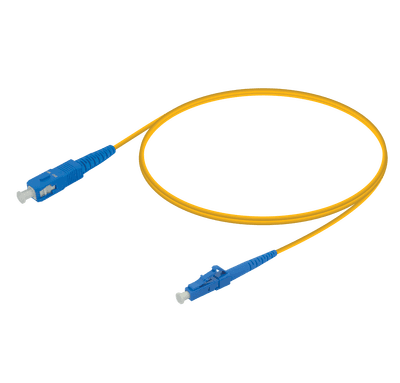
SIMPLEX SINGLE-MODE FIBRE PATCH CORD
SIMPLEX OS2 PATCH CORD WITH LC, SC, FC OR ST CONNECTOR OPTIONS FOR SINGLE-MODE FIBRE LINKS.- Configuration
- CONFIGURED TO ORDER
ConfigurationCONFIGURED TO ORDER
CategoryFibre Patch Cords
Decision pathSpecifications + host + evidence
Key specifications
Fibre modeOS2 single-mode
Fibre count1 core simplex
Connector optionsLC / SC / FC / ST
Polish optionsUPC / APC where applicable
Insertion loss≤ 0.3 dB
Return lossUPC ≥ 50 dB; APC ≥ 60 dB
Cable diameter1.8 / 2.0 / 3.0 mm
Minimum bend radius7.5 mm
Operating temperature-20°C to +70°C
Durability500 matings
Buyer guidance
Connector selectionChoose LC, SC, FC or ST ends and confirm UPC or APC polish for the mating interface.
Cable selectionSelect 1.8, 2.0 or 3.0 mm cable and the required jacket with the sales team.
Installation checkInspect and clean both end faces before insertion; align the connector key with the adapter.
Connector handling
Clean, orient and install the connector correctly.
LC, SC, ST and FC connectors use different latch or coupling methods. Keep protective caps fitted until use, inspect the end face and avoid touching the ferrule.
Transmission planning
Use fibre grade and interface together.
Representative distances from the supplied patch-cord guide are shown below. The transceiver specification, installed link loss and applicable Ethernet standard remain authoritative.
Swipe horizontally to see all columns.
| Rate | Interface | Fibre | Wavelength | Maximum distance |
|---|---|---|---|---|
| 1G | 1000BASE-SX | OM1 | 850 nm | 275 m |
| 1G | 1000BASE-SX | OM2 / OM3 / OM4 | 850 nm | 550 m |
| 1G | 1000BASE-LX | OS2 | 1310 nm | 10 km |
| 10G | 10GBASE-SR | OM1 / OM2 / OM3 / OM4 | 850 nm | 33 / 82 / 300 / 400 m |
| 10G | 10GBASE-LR | OS2 | 1310 nm | 10 km |
| 40G | 40GBASE-SR4 | OM3 / OM4 / OM5 | 850 nm | 100 / 150 / 150 m |
| 40G | 40GBASE-LR4 | OS2 | 1310 nm | 10 km |
| 100G | 100GBASE-SR4 | OM3 / OM4 / OM5 | 850 nm | 70 / 100 / 100 m |
| 100G | 100GBASE-LR4 / ER4 | OS2 | 1310 nm | 10 / 40 km |
Compatibility matching
Compatible with a wide range of major network brands.
Send the host device brand, model and link requirements so we can match an appropriate option.Applications
Review where this product fits the link design.
Confirm the host port, fibre or cable path, distance and operating environment before selecting the final variant.
- Equipment connectionsSingle-fibre links between patch panels, adapters and optical equipment.
- Telecom and access networksOS2 links where a simplex connection is specified.
- Test and lab pathsReplaceable single-mode leads for optical measurement and device setup.

Testing evidence
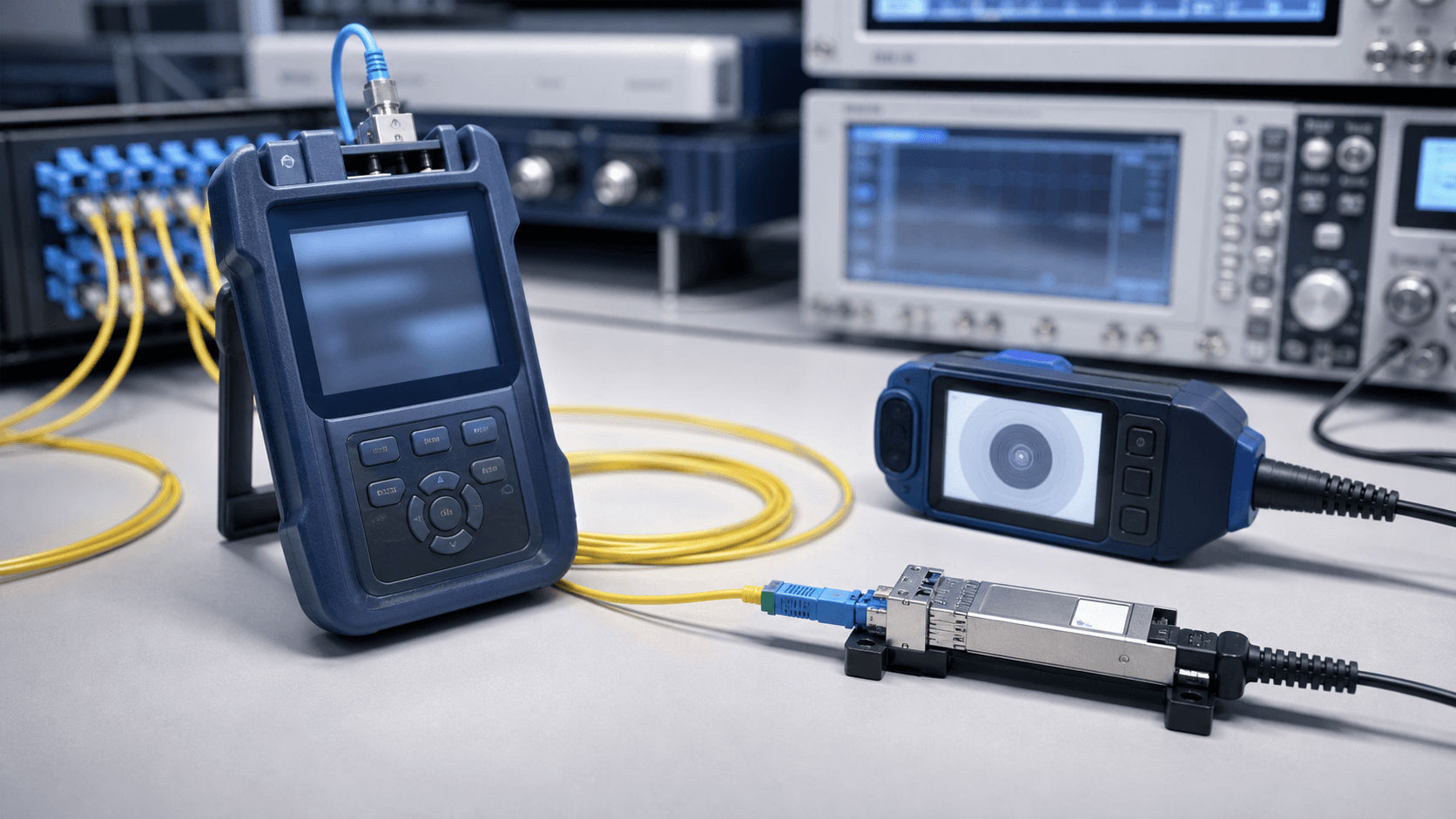
Request evidence against the exact product scope.
Available evidence depends on the model and agreed review scope. Ask for the checks needed by engineering or procurement before approving a sample or rollout.
- Product identityModel, label, connector and wavelength details
- Host contextCoding or recognition evidence where applicable
- Output evidenceOptical, diagnostic or link information where available
Product datasheets
Review the document for the exact model.
Review the document for the exact model and reach before approving a sample or rollout.
Request the current datasheetRelated questions
Five answers for this product path.
Product selectionWhen should I choose single-mode or multimode optics?
Match the installed fibre and the interface standard at both ends. Multimode is common for shorter data-centre links; single-mode supports many campus, metro and long-reach links. Do not mix the two without a specifically designed conversion path.
Browse productsCompatibility & codingWhat information is required for a compatibility review?
Provide the equipment manufacturer, exact device model, firmware or network OS, port role, requested data rate and any OEM module reference. These details allow a model-specific review instead of a brand-level assumption.
Start a model reviewOptical link designHow can connector cleanliness affect a link?
Dust or damage can increase loss and reflection, causing low receive power or an unstable link. Inspect and clean connectors using an appropriate process before replacing working equipment.
Use the selection guideHigh-speed deploymentHow do I choose between parallel and duplex high-speed optics?
Compare the host-supported standards, installed fibre, connector, reach and migration plan. Parallel optics often use MPO/MTP; duplex solutions use LC but may have different optical and FEC requirements.
Plan a technical reviewDocuments & procurementWhat should be checked on a quotation?
Confirm the product code, variant, quantity, compatibility scope, document requirements, delivery basis, price validity and any sample or acceptance conditions before placing an order.
Request a document pack